 AtlasCube
AtlasCube collection
Wallpapers
Download artwork prepared for your display or reusable visual assets. Choose the exact panel resolution to keep every wallpaper sharp and avoid stretching or cropping.
How to install a wallpaper
In the device web UI open Layout editor and select the screen's tab — every screen has its own background. Nothing needs downloading from this page.
From this gallery
No SD card needed
- Click Online gallery under the preview.
- Set Use in slot: (
slot 1is fine) and press Use in slot on the wallpaper you like.
Your own picture or URL
Two steps — don't skip the second
- 🌍 Internet tab: pick a slot, enter the URL, Fetch now.
- Back on the screen's tab, press Internet with the same slot.
A file instead? ⬆ Upload… on the screen's tab converts any PNG/JPG/WebP and stores it on the SD card.
Something not working?
Nothing changed after fetching? The screen is still set to General or to an SD file — an SD wallpaper always outranks a fetched one. Press Internet on that screen.
Wallpaper gone after a power cycle? Fetched wallpapers live in RAM. Set Auto refresh on the Internet tab to Once after boot (the warning strip in the web UI does it in one click), or use Save to SD.
Fetching refused? The device decodes JPEG only — for a PNG or WebP card use Install to SD instead of Use in slot. Each download briefly pauses a playing radio stream.
240 × 240 (Round)
GC9A01 round displays
Themes
Complete sets for this panel — one wallpaper per screen, the layout drawn for each, and the knob artwork they were drawn with. The device installs a whole theme in one click from Layout editor → Themes; the files are here to browse or take by hand. The single wallpapers follow below.
Japan
6 of 7 screens


Knob artwork · any panel

Japan Knob
Synthwave
6 of 7 screens


Knob artwork · any panel
Dj Knob2
Player Blue
6 of 7 screens
Knob artwork · any panel

Player Blue Knob
Retro Player Gold
6 of 7 screens


Knob artwork · any panel

Retro Player Black Knob
Home
4 wallpapersRadio / SD Player
8 wallpapersPlaylist / SD Browser
4 wallpapersWireless
0 wallpapers
Wallpapers are coming soon
This category does not have any published artwork yet.
Equalizer
4 wallpapers320 × 240
ILI9341 and ST7789V displays
Themes
Complete sets for this panel — one wallpaper per screen, the layout drawn for each, and the knob artwork they were drawn with. The device installs a whole theme in one click from Layout editor → Themes; the files are here to browse or take by hand. The single wallpapers follow below.
Japan
7 of 7 screens


Knob artwork · any panel
Japan Knob
Synthwave
7 of 7 screens


Knob artwork · any panel
Dj Knob2
Studio 78
7 of 7 screens


Knob artwork · any panel

Studio78 Knob
Retro deck
7 of 7 screens
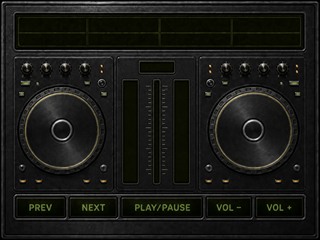
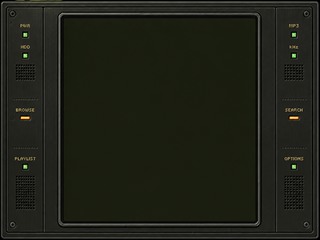
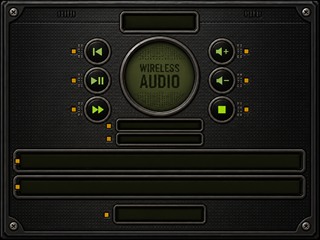
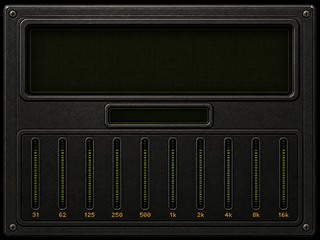
Knob artwork · any panel
Retrodeck Knob
Retro Player Classic
7 of 7 screens


Knob artwork · any panel

Retro Player Knob
Retro Player Black
7 of 7 screens


Knob artwork · any panel
Retro Player Black Knob
Player Blue
7 of 7 screens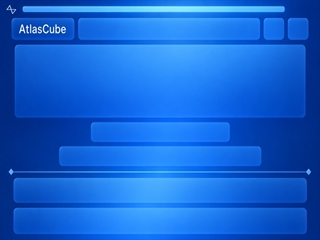
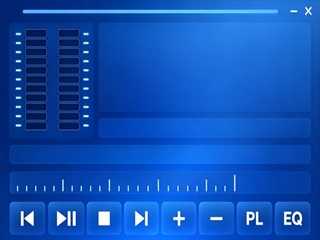
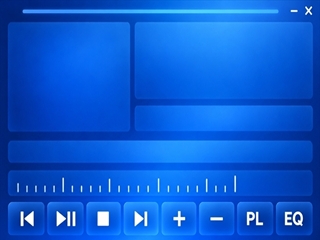
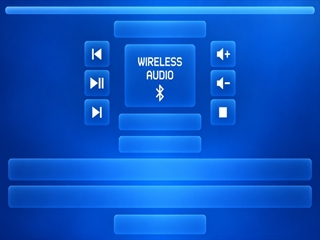
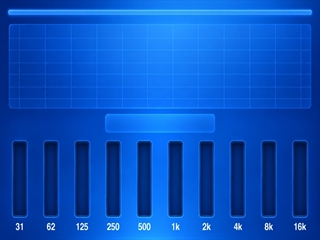
Knob artwork · any panel
Player Blue Knob
Retro Player Gold
7 of 7 screens


Knob artwork · any panel
Retro Player Black Knob
Home
9 wallpapers
Radio / SD Player
40 wallpapers
Art Deco

Black Deck

Car 1

Car 2

Car 3 Pixelart

Cassette

Dj Console

Dj Console 2

Gold

Heavy Metal
Japan Radio
Japan Sd

Nautilus
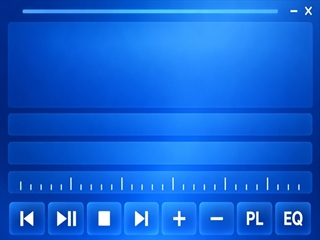
Player Blue Radio Scale
Player Blue Radio
Player Blue Sd

Power Supply V1

Power Supply V2

Radio

Retro Player Black Radio Scale
Retro Player Black Radio
Retro Player Black Sd

Retro Player Gold Radio Scale
Retro Player Gold Radio
Retro Player Gold Sd
Retro Player

Retro Player Icon Sharp Test
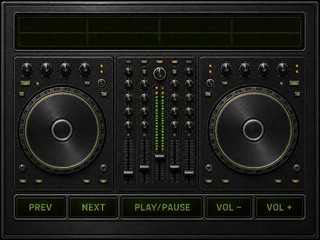
Retrodeck
Retrodeck Radio
Retrodeck Sd

Road Trip

Silver Deck

Space
Studio78 Radio
Studio78 Sd

Studio78 V2

Synthwave Deck
Synthwave Radio
Synthwave Sd

White
Playlist / SD Browser
11 wallpapers


Wireless
9 wallpapers
Equalizer
10 wallpapers
480 × 320
ST7796U and ILI9488 displays
Themes
Complete sets for this panel — one wallpaper per screen, the layout drawn for each, and the knob artwork they were drawn with. The device installs a whole theme in one click from Layout editor → Themes; the files are here to browse or take by hand. The single wallpapers follow below.
Japan
7 of 7 screens


Knob artwork · any panel
Japan Knob
Synthwave
7 of 7 screens


Knob artwork · any panel
Dj Knob2
Studio 78
7 of 7 screens


Knob artwork · any panel
Studio78 Knob
Retro deck
7 of 7 screens
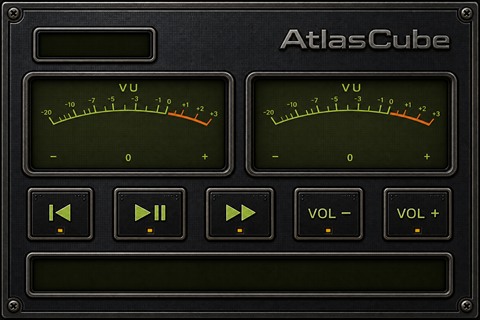
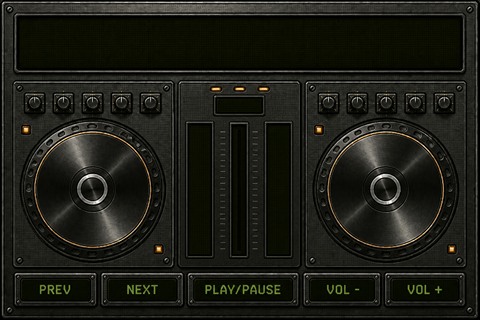
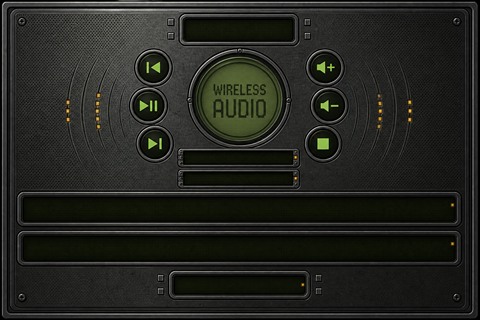
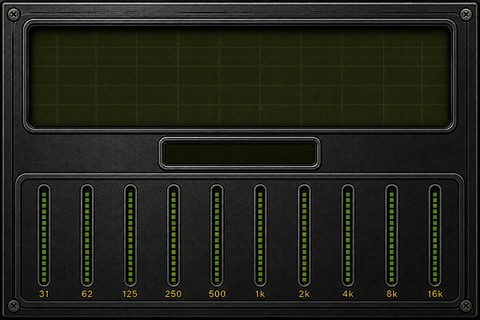
Knob artwork · any panel
Retrodeck Knob
Retro Player Classic
7 of 7 screens


Bluetooth

Knob artwork · any panel
Retro Player Knob
Retro Player Black
7 of 7 screens


Knob artwork · any panel
Retro Player Black Knob
Retro Player Gold
7 of 7 screens


Knob artwork · any panel
Retro Player Black Knob
Home
8 wallpapers
Radio / SD Player
40 wallpapers
Art Deco

Black Deck

Car 1

Car 2

Car 2 Pixelart

Cassette

Dj Console

Dj Console 2

Gold

Heavy Metal

Hifi
Japan Radio
Japan Sd

Nautilus

Power Supply V1

Power Supply V2

Radio
Retro Player Black Radio
Retro Player Black Sd

Retro Player Gold Radio Scale
Retro Player Gold Radio
Retro Player Gold Sd
Retro Player

Retro Player Icon Sharp Test

Retro Player Layout Preview

Retro Player Org
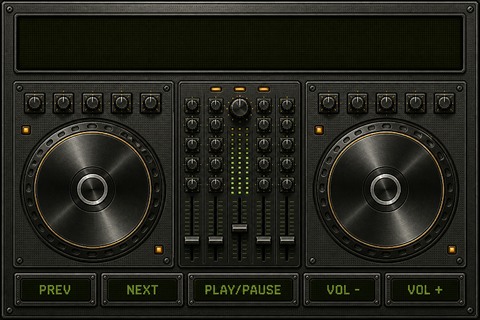
Retrodeck
Retrodeck Radio
Retrodeck Sd

Road Trip

Silver Deck

Space

Split
Studio78 Radio
Studio78 Sd

Studio78 V2

Synthwave Deck
Synthwave Radio
Synthwave Sd

White
Playlist / SD Browser
10 wallpapers


Wireless
8 wallpapers
Equalizer
9 wallpapers

240 × 296
CO5300 AMOLED displays
Home
0 wallpapers
Wallpapers are coming soon
This category does not have any published artwork yet.
Radio / SD Player
0 wallpapers
Wallpapers are coming soon
This category does not have any published artwork yet.
Playlist / SD Browser
0 wallpapers
Wallpapers are coming soon
This category does not have any published artwork yet.
Wireless
0 wallpapers
Wallpapers are coming soon
This category does not have any published artwork yet.
Equalizer
0 wallpapers
Wallpapers are coming soon
This category does not have any published artwork yet.
410 × 502
CO5300 AMOLED displays
Themes
Complete sets for this panel — one wallpaper per screen, the layout drawn for each, and the knob artwork they were drawn with. The device installs a whole theme in one click from Layout editor → Themes; the files are here to browse or take by hand. The single wallpapers follow below.
Retro Player Gold
7 of 7 screens


Bluetooth

Knob artwork · any panel
Retro Player Black Knob
Home
1 wallpaper
Retro Player Gold
Radio / SD Player
3 wallpapers
Playlist / SD Browser
1 wallpaper
Retro Player Gold
Wireless
1 wallpaper
Retro Player Gold
Equalizer
1 wallpaper
Retro Player Gold
800 × 480
MIPI-DSI panels on ESP32-P4
Themes
Complete sets for this panel — one wallpaper per screen, the layout drawn for each, and the knob artwork they were drawn with. The device installs a whole theme in one click from Layout editor → Themes; the files are here to browse or take by hand. The single wallpapers follow below.
Retro Player Classic
6 of 7 screens


Knob artwork · any panel
Retro Player Knob
Retro Player Black
7 of 7 screens
Home

Radio
SD Player

Playlist
SD Browser

Bluetooth

Equalizer
Knob artwork · any panel
Retro Player Black Knob
Player Neon
7 of 7 screens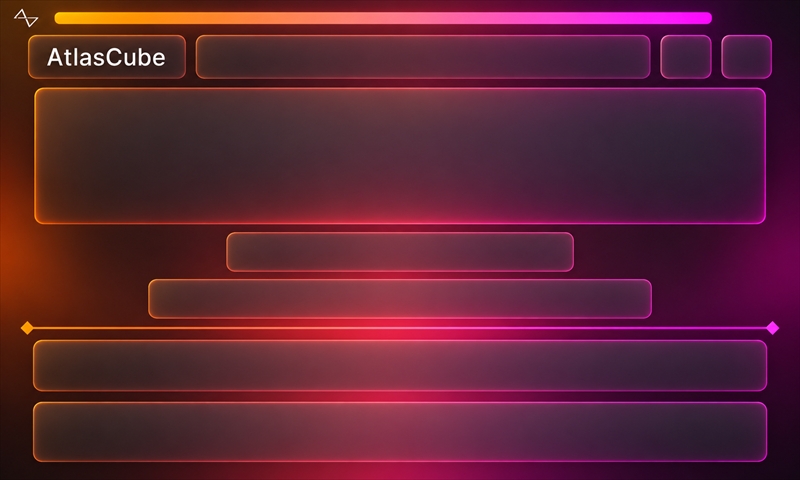
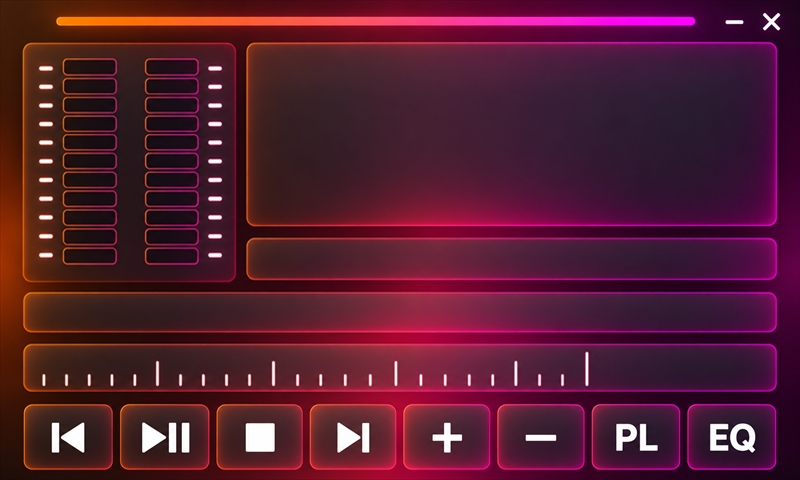
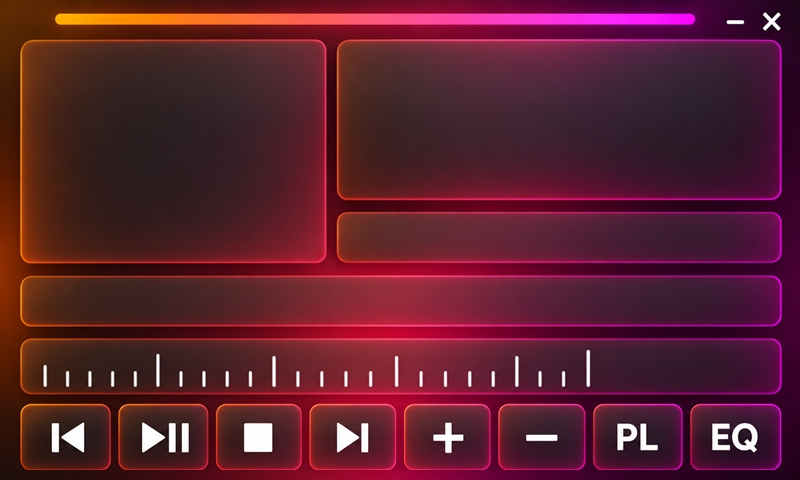
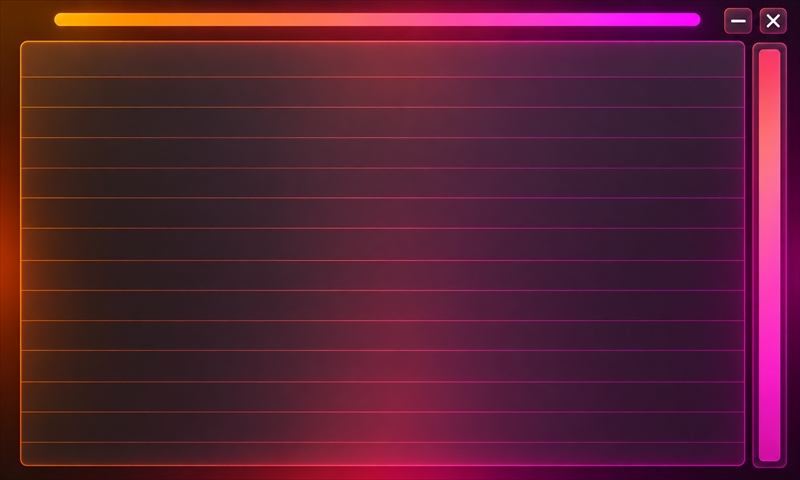
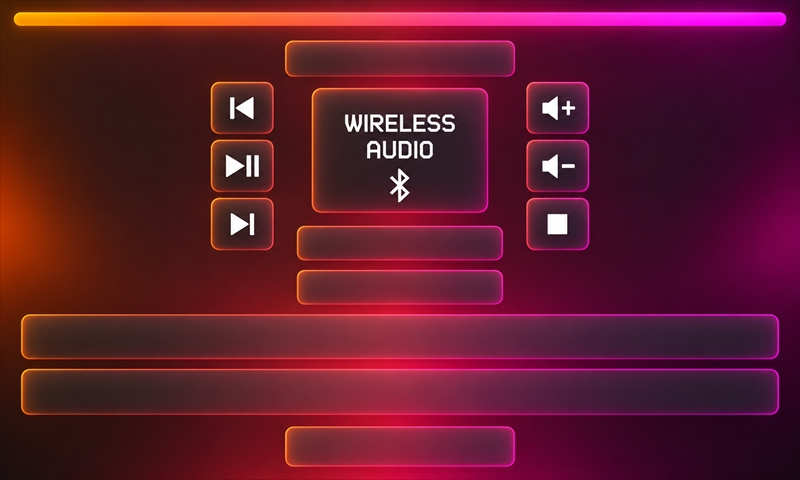
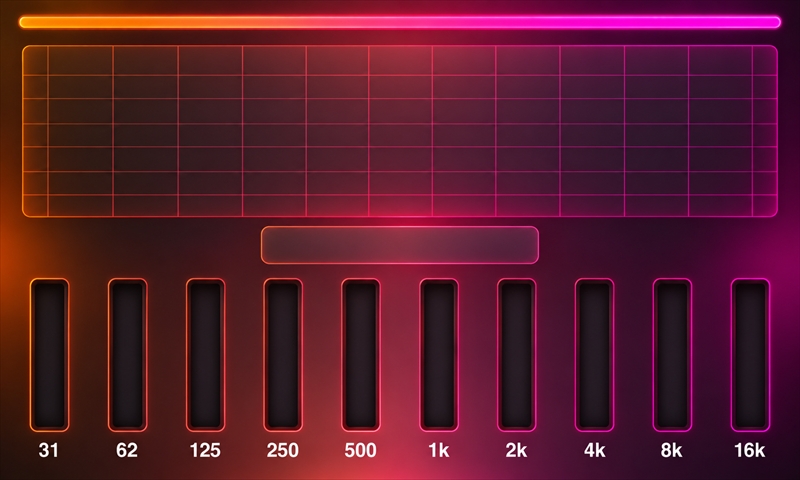
Knob artwork · any panel

Player Neon Knob
Player Blue
7 of 7 screens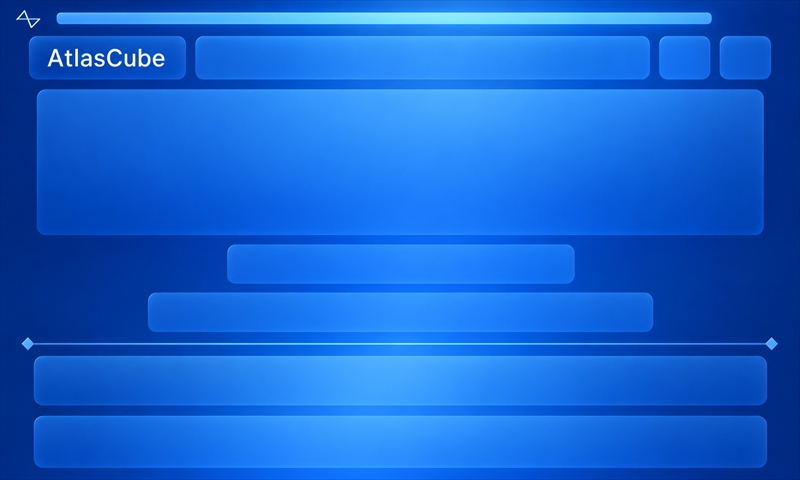
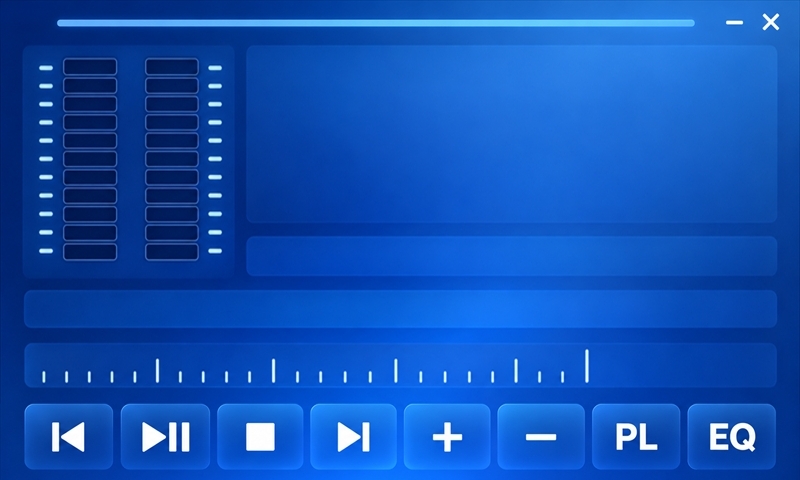
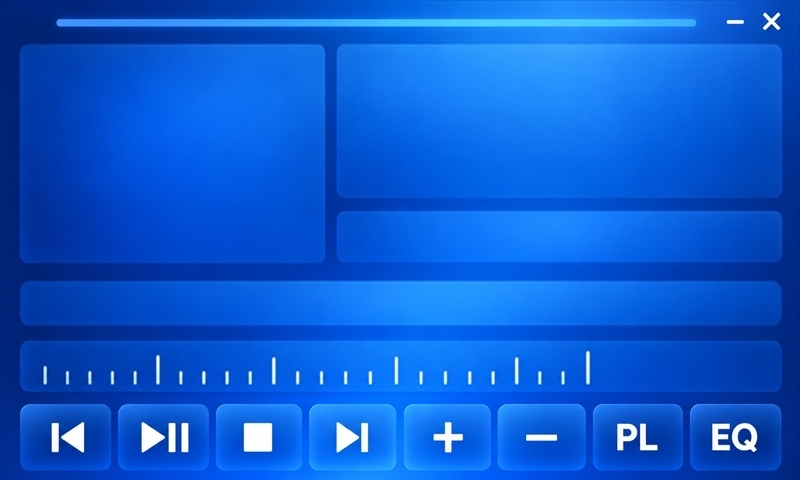
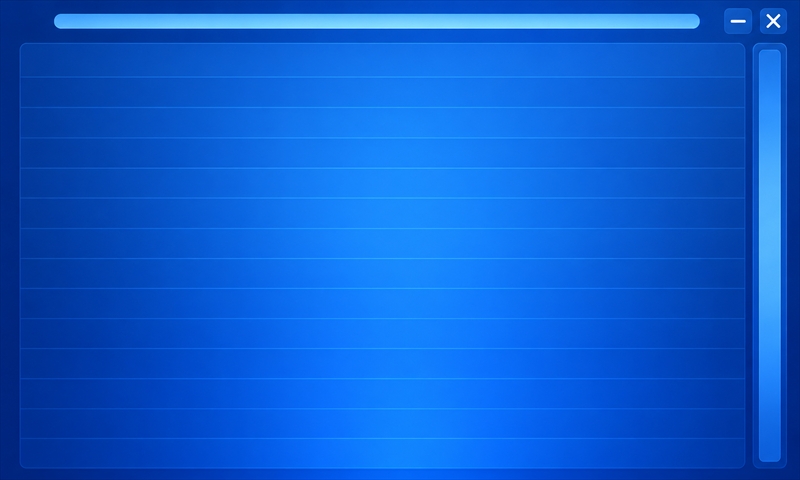
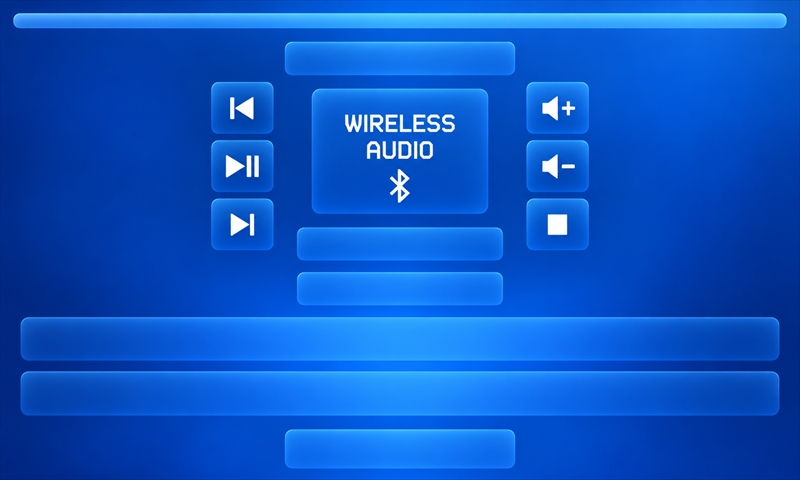
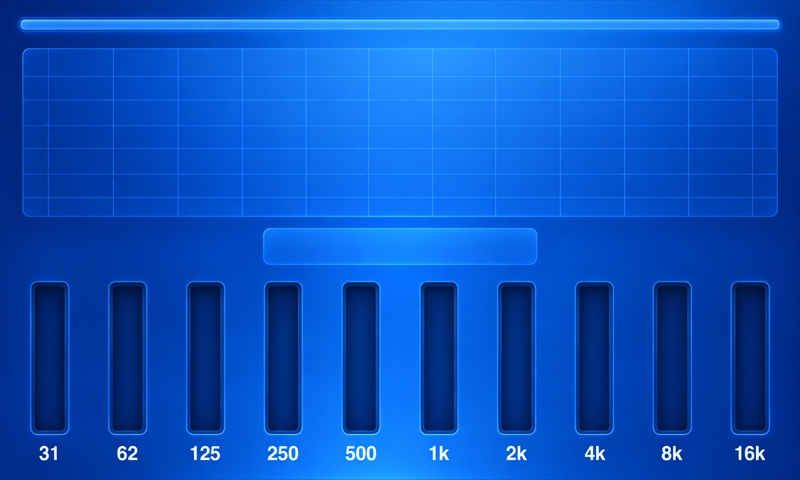
Knob artwork · any panel
Player Blue Knob
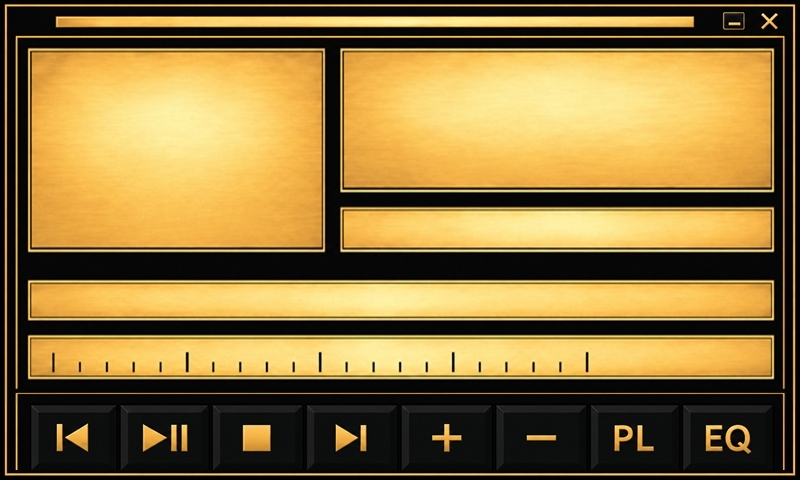
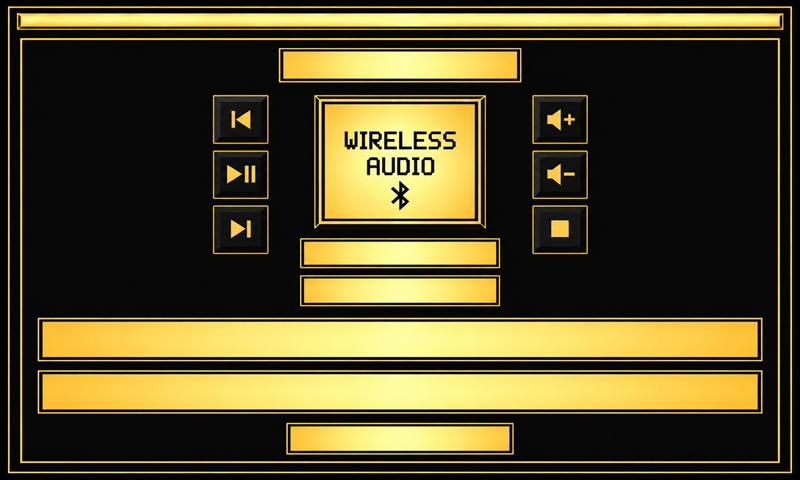
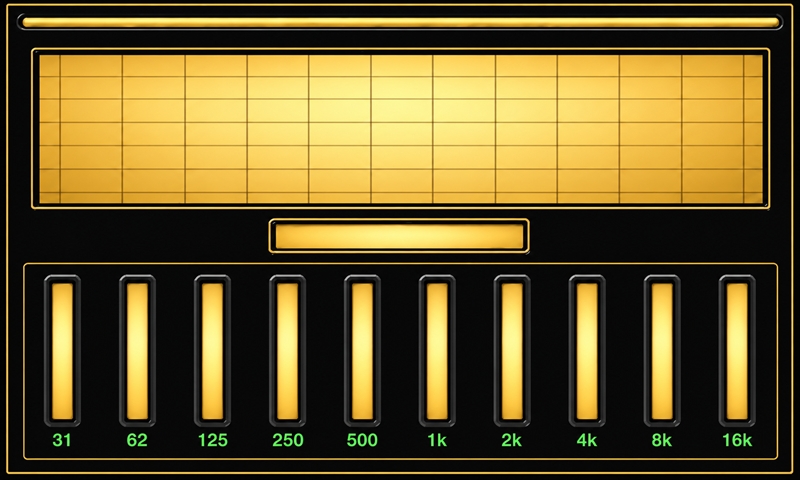
Retro Player Gold
7 of 7 screens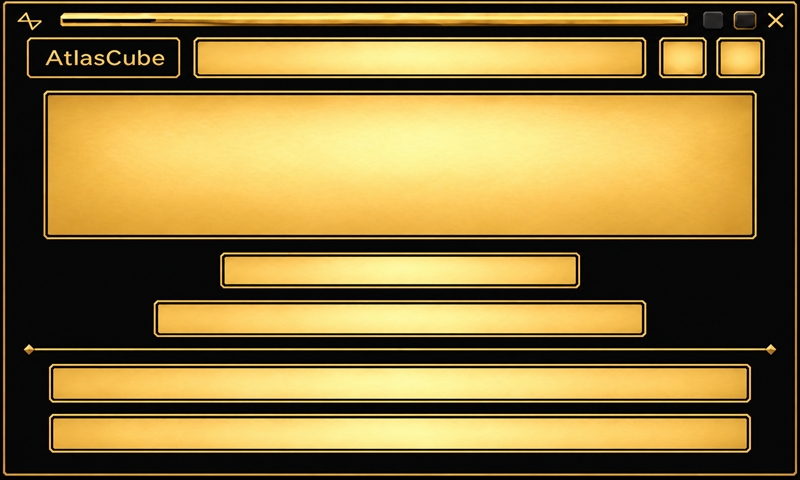
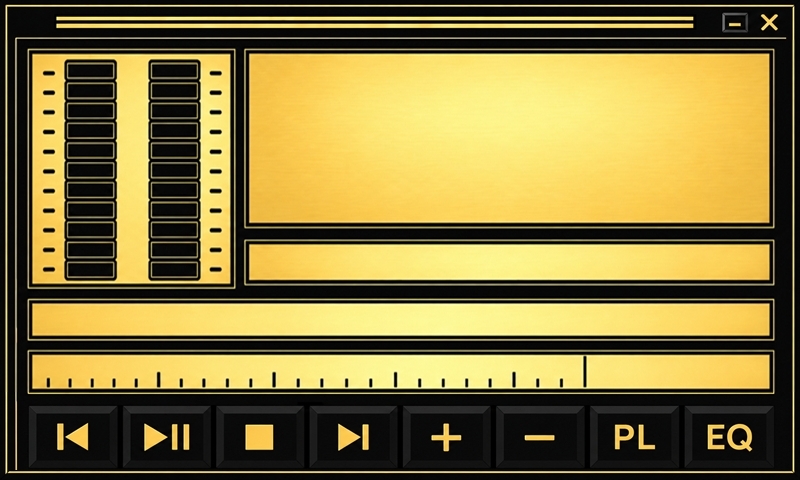
Knob artwork · any panel
Retro Player Black Knob
Home
4 wallpapersRadio / SD Player
12 wallpapers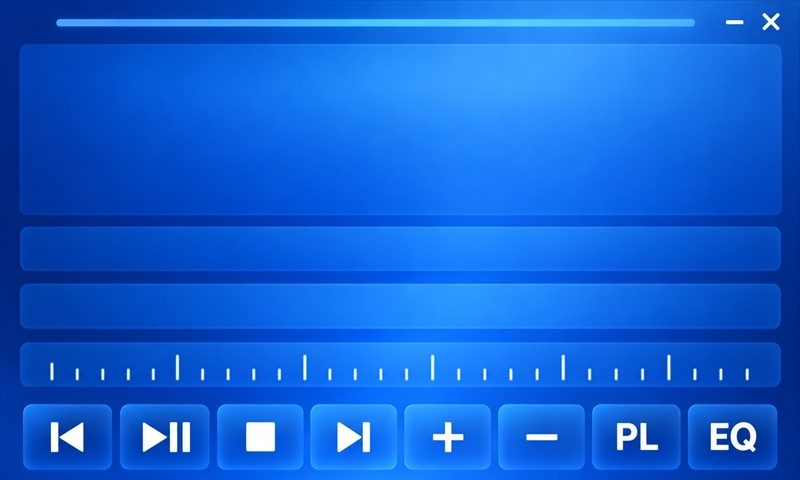
Player Blue Radio Scale
Player Blue Radio
Player Blue Sd
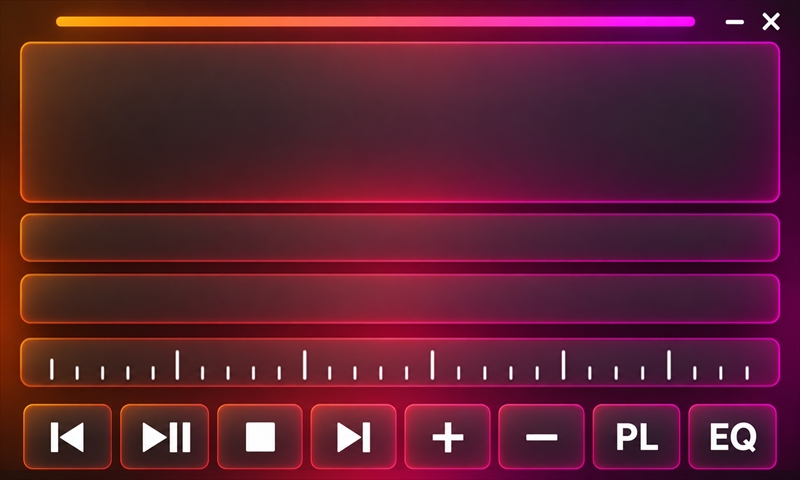
Player Neon Radio Scale
Player Neon Radio
Player Neon Sd

Retro Player Black Vu
Retro Player Black
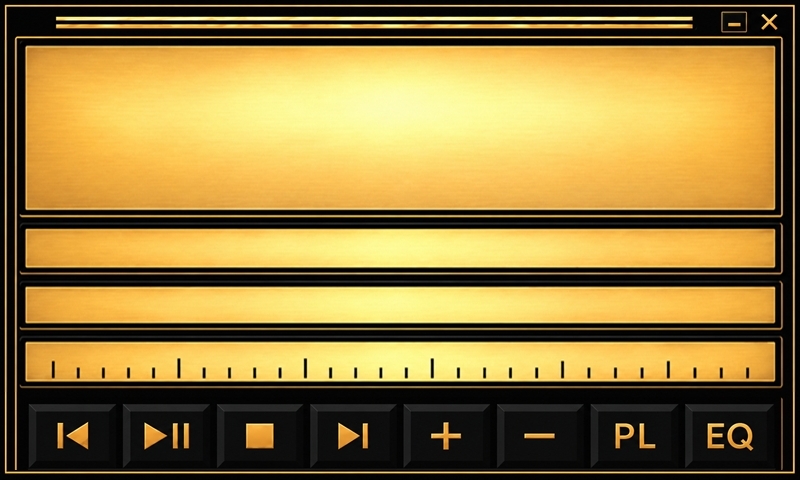
Retro Player Gold Radio Scale
Retro Player Gold Radio
Retro Player Gold Sd

Retro Player
Playlist / SD Browser
5 wallpapersWireless
5 wallpapersEqualizer
5 wallpapersAssets
Reusable interface elements and artwork without a fixed display resolution.
All artwork on this page is AI-generated.